
Removing the CFast Card
If you remove the CFast Card while it is in use, you risk corrupting your data. Turn OFF this product when removing the CFast Card.
|
Step |
Action |
|---|---|
|
1 |
Make sure that this product is turned OFF. |
|
2 |
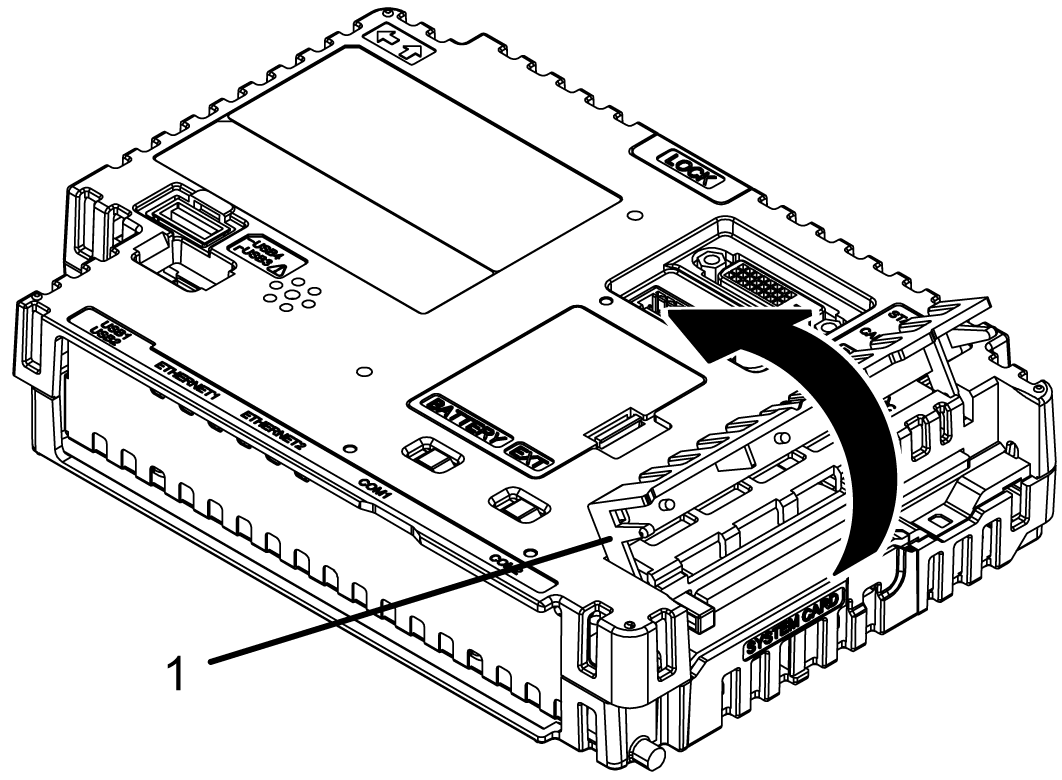
Open the Storage Card Cover. 1 Storage Card Cover |
|
3 |
Push the eject button to release, and pull out the card. 1 Eject button |
|
4 |
Close the Storage Card Cover. NOTE: After using the CFast Card, store the CFast Card
in its case or other safe location.
|