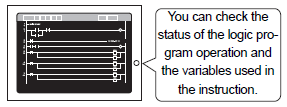
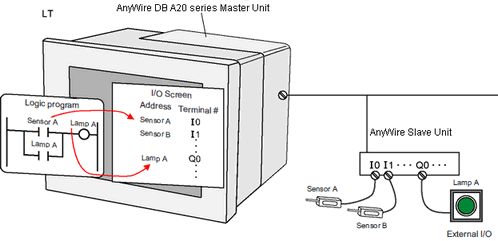
You can check if the logic program will operate normally, and check if the device/PLC connected to the display unit or optional unit will operate normally.
|
Checking whether the logic program is operating properly Setup Procedure Setup Procedure |
|---|
|
Monitoring the logic program
|
|
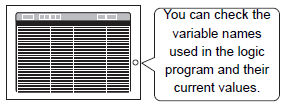
Monitoring the addresses of the variables used in the logic program
|
|
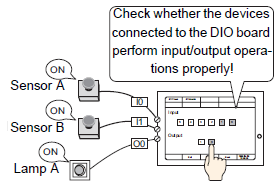
Checking whether the DIO interfaces of the Display turn ON/OFF properly Setup Procedure |
|---|
|
Checking the operation of the device connected to the DIO board type GP3000 series
|
|
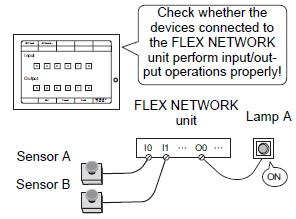
Checking Communication with the FLEX NETWORK Setup Procedure |
|---|
|
Checking the operation of the device connected to the FLEX NETWORK unit
|
|
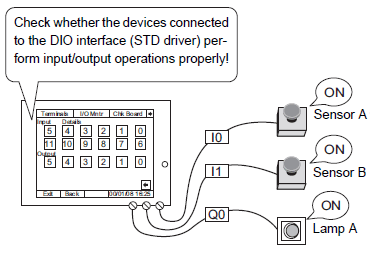
Checking the operation of the device connected to the DIO interface of the LT3000 and LT4000 series Setup Procedure |
|---|
|
Checking the operation of the device connected to the DIO interface of the LT3000 series
|
|
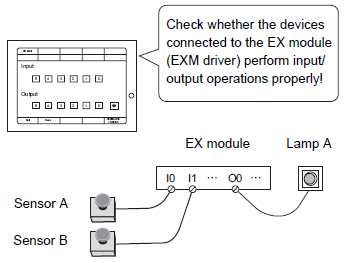
Checking if communication with the EX modules is enabled Setup Procedure |
|---|
|
Checking if communication with the EX Modules is enabled or not.
|
|
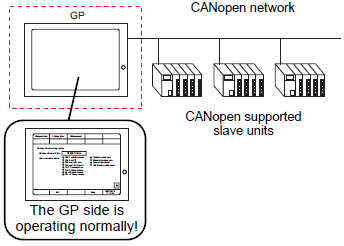
Checking if communication is possible on the side with the CANopen master supported display unit (master side) Setup Procedure |
|---|
|
Checking if communication is possible on the side with the CANopen master supported display unit (master side)
|
|
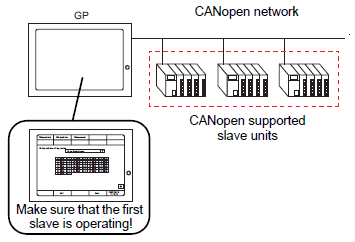
Checking the slave unit side Setup Procedure |
|---|
|
Checking if communication is possible on the side with the CANopen master supported display unit (master side)
|
|
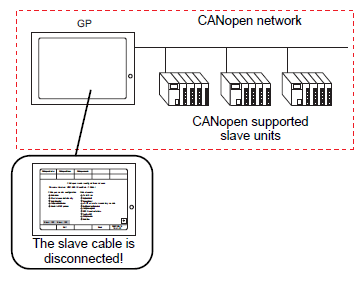
Checking the status of the entire network during CANopen communication Setup Procedure |
|---|
|
Checking the status of the entire network during CANopen communication
|
|
Checking the operation of the device connected to the AnyWire Slave Unit Setup Procedure |
|---|
|
Checking the operation of the device connected to the AnyWire Slave Unit
|