Mitsubishi Electric Corporation FX series
CPU Direct
| |
 |
| |
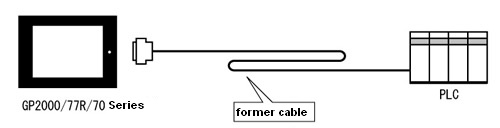
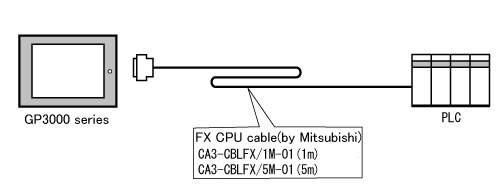
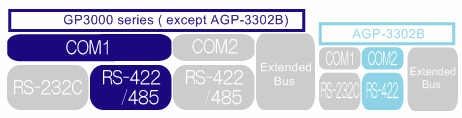
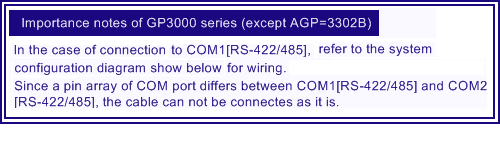
| When replacing the cable (RS-422) used for GP2000/77R/70 series to GP3000 series, |
| |
 |
| |
 |
| |
|
|
|
|
Important notes for the replacement of the cable from GP2000/77R/70 series to GP3000 series *Be sure to read here. |
|
When replacing the hardware from GP2000/77R/70 series to GP3000 series, there are important notes shown below.
|
|
| Internal(Build in) 2 port feature |
Internal(Build in) 2 port feature is not supported at GP3000 series. If GP-PRO/PB3 project file set internal (Build in) 2port feature is converted, [Project converter] shows the following message, 
*How to check your GP-PRO/PB3 project file is set internal 2 port feature.
1.Start GP-PRO/PB3.
2.Clik [GP settings].
3.Clik [Mode settings] and click [Option] button.
|
| Supported address |
The address notation is different between GP-PRO/PB3 and GP-Pro EX.
In GP-Pro EX, the following notation is supported when bit position of word address is inputted.

|
|
|