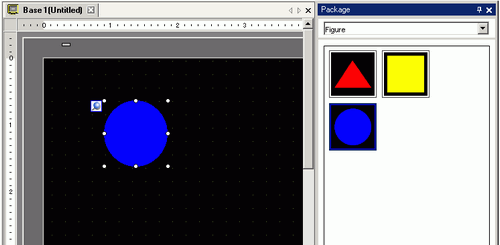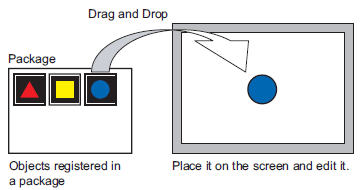
You can place graphics registered in the package by dragging and dropping on the screen.

You can load and browse the packages registered on other computers or servers. 8.13.2 Package List Setup Guide
Displays registered shape lists. From the [View (V)] menu, select [Package (P)], or click  .
.
In the [Package List] dialog box, select the package with the shape you want, and click [Open]. (For example, figure) 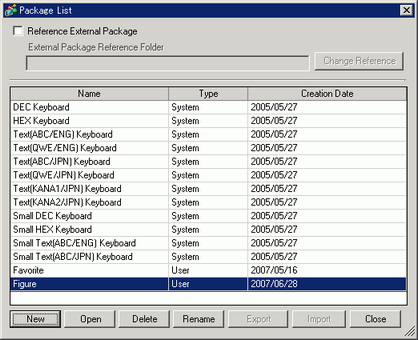
The [Package] dialog box is will appear. Select a picture and drag it to the drawing screen to place it.