Create a screen for using multiple times. In the [Screen (S)] menu, select [New Screen (N)] to display the [New Screen] dialog box. Select [New] to create a base screen. (For example, Base Screen 100)
Open the base screen 1 and select [Call Screen (O)] from the [Draw (D)] menu or click  to place it, the [Call Screen] dialog box appears.
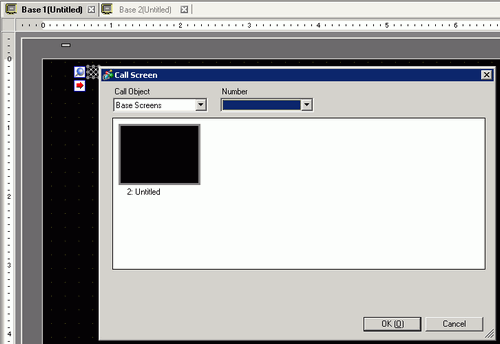
Select an image from [Call Object] and click [OK] to place the designated image. (For example, Base Screen 100)
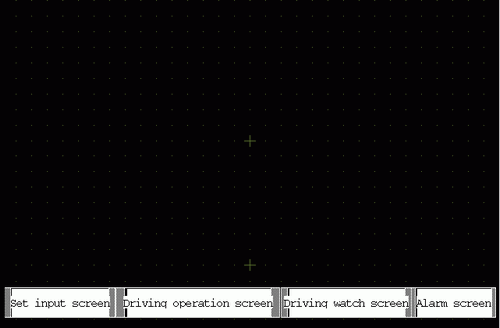
-
Base Screen
Previously created base screens will display.
-
Images
The image data registered in "Image Registration" will display.
-
Image CF (or Image SD)
The image data registered in "Image Registration" of CF card/SD card will display.
-
Mark
Displays registered marks in "Mark Registration".
-
Keypad
The keypads registered in "Keypad Registration" will display.

-
When you call a [Base Screen], call and place it in the center of the screen.