
-
For details about the setting screen, refer to the setting guide.
 M.17.2.3 Main Unit - Display Settings
You can change the screen number of the screen that is initially displayed after the power is turned ON.
For details about the setting screen, refer to the setting guide.
M.17.2.3 Main Unit - Display Settings
Go to Offline mode and touch [Main Unit] on the item changeover switch.
The [Display Unit] screen opens. Touch [Screen Settings].
The [Screen Settings] screen opens. Set [Data Type of Display Screen No] to either [BIN] or [BCD].
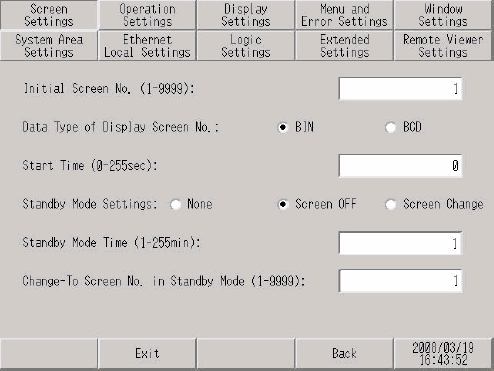
To set up the initial screen that displays after powering up (for example, [Data Type of Display Screen No]=BIN, Base Screen=10), set up as follows.
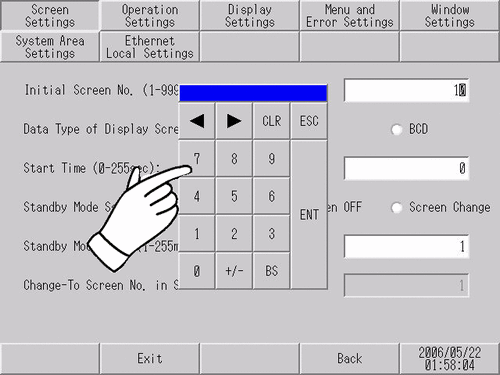
Touch the [Initial Screen No (1-9999)] field, and use the tenkey pad to type "10" and touch the [ENT] key.
Touch [Exit] to display the [Exit] dialog box. Touch [Save changes and exit].
When using GP-4100 Series (Monochrome Model), touch [Top] to return to the initial screen. Touch [Exit] and in the confirmation screen, touch [Save changes and exit].
The [Save File] dialog box appears and then the display unit restarts. The setting is complete.