Open the [Package] window and select the [Favorite] package.
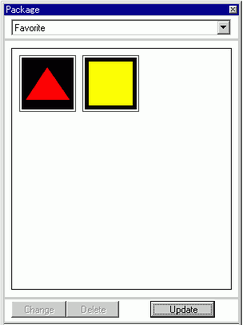

If the [Package] window is not on the workplace, from the [View (V)] menu, point to [Work Space (W)] and select [Package (K)].
After the application is just installed, opening the [Package] window displays the [Favorite] package. The next time the application is started, the [Package] window displays the last-used package.
Select the figure to register, and drag it to the [Package] window.
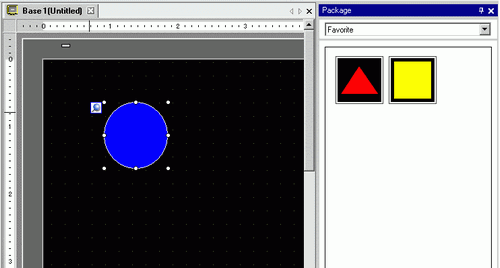
Package registration is complete.
To register the figure to a separate package, in the [Package List] dialog box, select [New] and create a new package.
 8.8.1 Registering Pictures in a Package