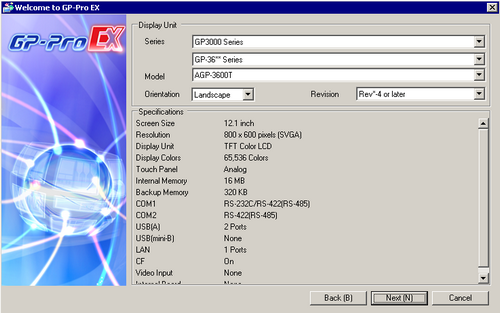
Display Unit
Set the Display Unit.
Series
Select the display unit series that will be used.

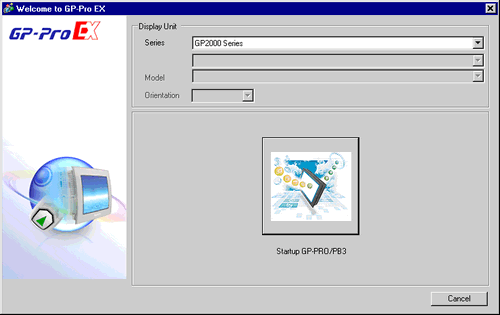
If you select [GP2000 Series], the following dialog box appears.
Click the icon to exit GP-Pro EX and start GP-PRO/PB3. GP-PRO/PB3 does not start if not installed.
Box Module
When [SP5000 Series] is selected, choose your box module model.
Display Module
When [SP5000 Series] is selected, choose your display module model.
Model
Select one of the models from the series.
Select either the [Landscape] or [Portrait] display orientation. For models that support portrait installations, refer to the following.
Screen Size
When [IPC Series (PC/AT)] is selected, set the display size of screen data.
Revision
Select the display unit revision.
This property does not display for models that do not require the revision number.
Mode
When [Model] is set to [AGP-3560T] or [AGP-3750T], you can maximize drawing capacity by limiting functions in the user application.
Multimedia
Screen area is 10 MB. You can use all model-supported features.
Increase Drawing Capacity
Screen area is 16 MB, however you cannot use any multimedia functions.
Refer to the following for [AGP-3560T] and [AGP-3750T] supported features.
 1.5 Supported Features
Specifications
Displays the specifications of the display specified in [Display Unit].