
-
For details about the setting screen, refer to the setting guide.
 M.17.2.9 Main Unit - Remote Viewer Settings
Describes how to set up the GP-Viewer EX, Camera-Viewer EX functions and Pro-face Remote HMI functions
The following example uses GP-Viewer EX.
For details about the setting screen, refer to the setting guide.
M.17.2.9 Main Unit - Remote Viewer Settings
Go to offline mode and touch [Main Unit Settings] on the item changeover switch.
[Main Unit Settings] screen opens. Touch [Remote Viewer Settings].
[Remote Viewer] screen opens.
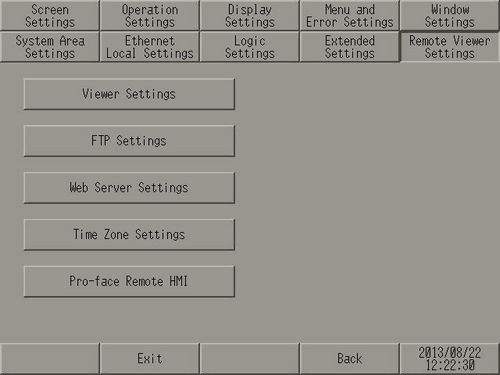
Select [Viewer Settings] and then set [Remote Viewer] to [Enable] to use GP-viewer EX.
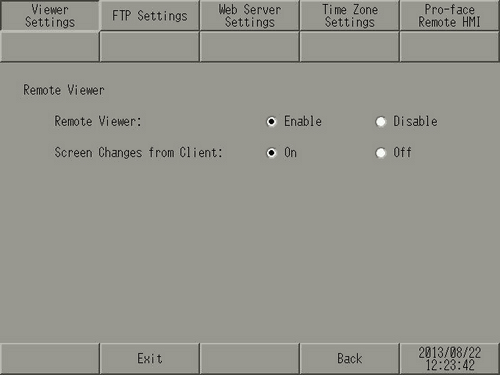
Touch [Exit] to save the changes and restart the display unit.
[Remote Viewer] settings can also be set in the GP-Pro EX [System Settings]. For more details, please refer to the following.
37.7.1 System Settings - Display Unit - Remote Viewer Settings Guide